Scan the QR code at the booth
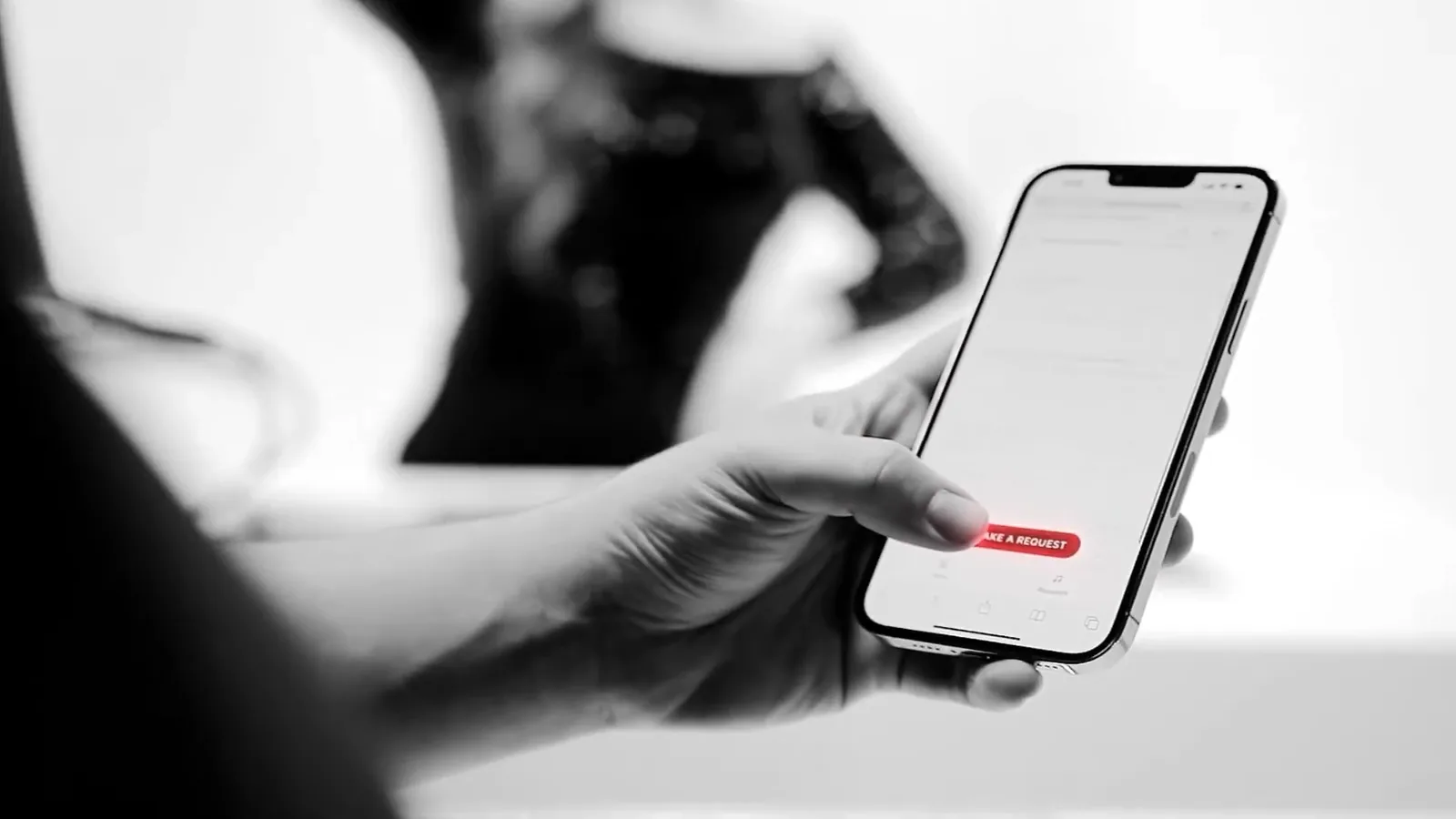
Your guest scans the QR code at your DJ’s booth.
JukeJuke™
Pick a date to see if it is still open.
As of right now, it looks like your date is available.
Final availability depends on your city and your event, so let's check it properly. Two minutes, and most of it is tapping.
Get my availabilityAbout JukeJuke™JukeJuke™ is the song request app built by our team. Your guests request songs from their own phones and vote on each other’s picks. Your Elevate DJ watches the requests come in, reads the dance floor and weaves requests and votes into the set you planned together. Behind it: 20+ Elevate-Certified™ DJs, 4,000+ events, 18 awards, a 9.7 NPS and 4.9★ across 1,058 verified reviews, as of August 4, 2026.
 4.9(379)
 4.9(218)
 5.0(305)
 5.0(156)
Photo: Elevate Entertainment, 2021

How it works
A guest scans the QR code at your DJ’s booth, opens your event and requests songs from their own phone, then votes on what other guests asked for.
On the night
Your Elevate-Certified™ DJ watches the JukeJuke requests come in and works them into the set you planned together.
Your DJ tells guests where the QR code is and shares the event code on the mic, a few times through the night.
Your DJ watches the requests as they arrive and gets them into the DJ software.
Your DJ reads the floor and fits requests and votes into your plan.
Your DJ is also your MC, so the person reading your requests is the same person on the microphone. See everything your wedding DJ runs on the night.
Pricing
No. JukeJuke™ is free, and it is included in all of our bookings.
Every Elevate experience
Prices start at $1,500. Most couples spend between $2,500 and $7,500. Highly produced events can run up to $25,000. Where your night lands depends on how much of it you hand to one team: the DJ and MC alone, or the sound production, the lighting, the live musicians and the booth with them.
Build your quote online for exact pricing, or get it in your design session.
Before you ask
Guests need only their own phone, and your DJ handles the rest on the night.
Your DJ mixes in the requests that fit the night you planned, reading the dance floor as the night goes.
No. The QR code opens a web page on their phone.
Android phones and iPhones. Each guest requests songs and votes from their own phone.
JukeJuke was built by our team.
Claim your time
Book your Elevate Entertainment DJ in your free Entertainment Design Session: 60 minutes, video or phone. There you plan your night with the team behind 4,000+ events. Start with the four quick steps here. You leave with a complete plan and an exact price, without any pressure on the call. JukeJuke sends your guests’ requests straight to your DJ, one more way we keep our promise, Your Event Made Perfect.
Complimentary · real numbers. A real person will text you within the hour.
Call or text(816) 477-4077
Which event are we designing entertainment for?
One tap, then we check your date.
Pick the one that fits best and we’ll take it from there.
When and where is the celebration?
A rough idea is fine. Peak Saturdays go first.
Choose your closest market, and either a date or the no-date box.
Help us tailor your session.
Honest answers get you a sharper plan. There are no wrong ones.
Optional. It helps your designer prepare for that room.
Tap one answer in each row and you’re nearly done.
Tell us about the event.
Enough to bring the right ideas, nothing more.
Optional. The city is enough if the venue is not set.
Tap one answer in each row and you’re nearly done.
Tell us about the celebration.
Enough to bring the right ideas, nothing more.
Optional. The city is enough if the venue is not set.
Tap one answer in each row and you’re nearly done.
Last step. Your details, so we can check your date.
Your designer reviews your answers before the session, so the conversation starts at your event, not at a blank page.
We need your name, a working email and phone, and the consent box checked.